
Private Prayer Journal App: What to Choose for Real Personal Requests
A practical guide to choosing a private prayer journal app with strong organization, clear privacy confidence, and daily follow-through.
A private prayer journal app is not just another productivity tool. It holds things you may not share anywhere else.
That means your decision should optimize both trust and usability.
What to look for first
1) Privacy clarity
You should understand the app's data behavior without legal guesswork.
2) Personal structure
Tags, statuses, and filters keep private requests manageable over time.
3) Reflection workflow
A good journal helps you revisit answers, not only record new concerns.
4) Friction profile
If daily capture feels heavy, your habit will fade.
PrayerNotes fit (paid, structure-focused)
PrayerNotes is paid and designed for personal prayer journaling depth rather than casual note capture.


Other options users compare
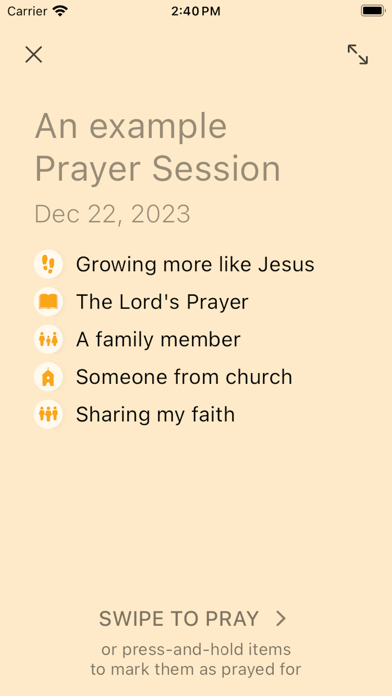
PrayerMate
Strong for concise list-based prayer tracking.
Echo Prayer
Often chosen for shared and group prayer contexts.

7-day private-journal test
- Add ten real requests across different life areas.
- Reopen daily and update status.
- Mark at least two answered prayers.
- Keep the app that gives both trust and momentum.
Related: [prayer app privacy](/blog/prayer-app-privacy) and [offline prayer app](/blog/offline-prayer-app).
FAQ
Is PrayerNotes free?
No. PrayerNotes is paid.
Do I need a paid app for privacy?
Not always. Free and paid options both require careful evaluation.
What is the biggest selection mistake?
Choosing by features only, without testing weekly follow-through.